Introducing Lookit Sucuri Purge: Clear Your Sucuri Cache Right From WordPress
Simplify your workflow with Lookit Sucuri Purge. No more manual cache purges when updating your WordPress site.
Discover the consequences of major corporations sued over accessibility lawsuits, including Target and Walmart’s struggles.
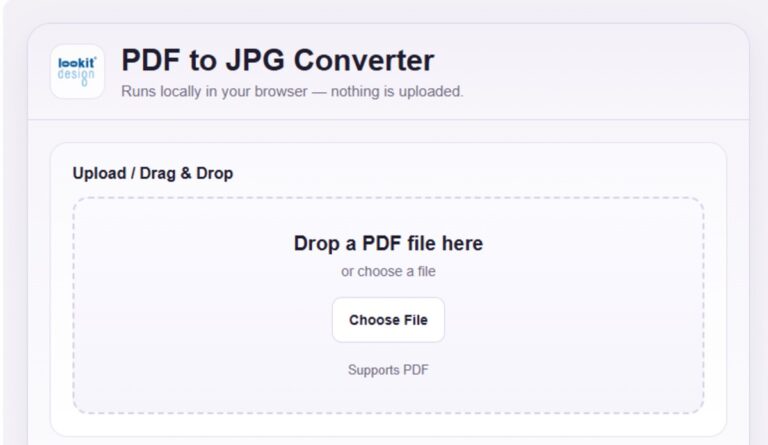
Easily convert PDF into JPG. Unlock the potential of your documents for seamless sharing and enhanced visibility online.
Learn the basics of SEO to enhance your website’s visibility. Discover how quality content and keywords work together!
Unlock the basics of SEO with our transcript. Discover key terms like content quality and keywords for success.
Leverage User Generated Content to enhance your brand’s authenticity and create a vibrant community around your products.
Learn seven key strategies in User Generated Content Transcript that transform audience interactions into powerful growth engines.
Discover essential SEO tools that help you analyze competitors and identify high-traffic keywords to boost your website’s performance.
Cybersecurity is no longer optional; it is a core requirement for protecting sensitive data from increasingly sophisticated cyber threats.
Lookit Design’s new Image Resizer makes it easy to prepare clean, fast‑loading images for your website and social channels.
Learn how to optimize your website for security and protect against data breaches in today’s digital landscape.
We (Lookit Design) and selected third parties (11) collect personal information as specified in the privacy policy and use cookies or similar technologies for technical purposes and, with your consent, for functionality, experience, measurement and "marketing (personalized ads)" as specified in the cookie policy.
You can freely give, deny, or withdraw your consent at any time by accessing the preferences panel. Denying consent may make related features unavailable. Use the "Accept all" button to consent.
Use the "Reject all" button to continue without accepting.
In this panel you can express preferences for the processing of your personal information. You may review and change your choices at any time.